
I may earn a commission if you buy through the affiliate links on this page, at no extra cost to you. I only include products I actually love and use on a regular basis. As an Amazon Associate I earn from qualifying purchases.
MY FAVORITE CONTROLLERS
8bitdo M30
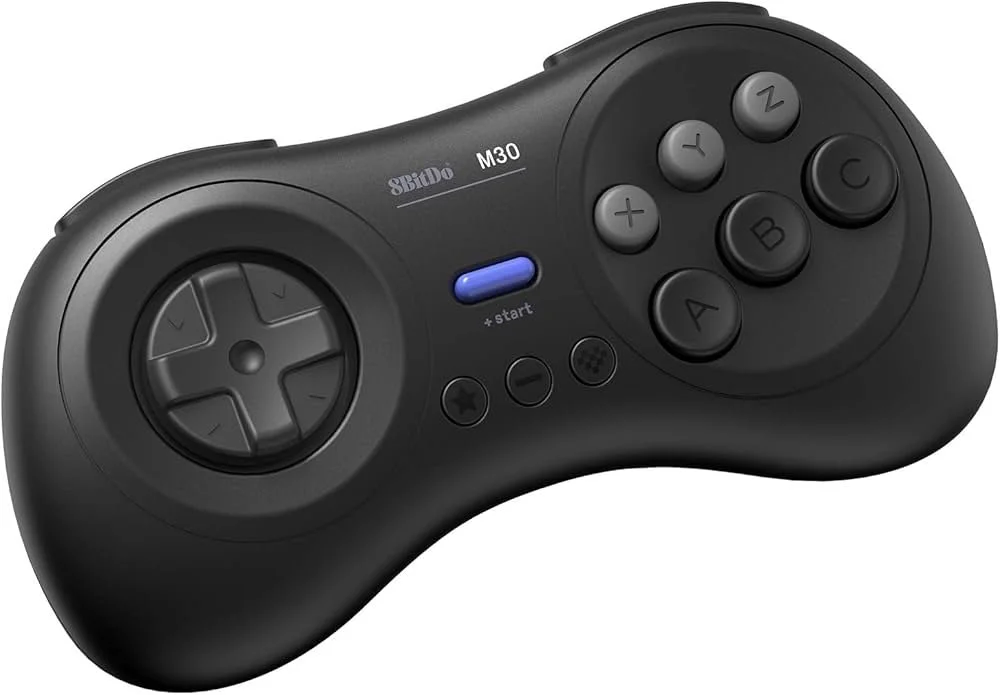
My favorite modern retro controller. The D-pad feels incredible. If you play 2D games or beat ’em ups, this is the closest thing to a perfect modern retro pad I’ve found. I use this on original hardware, and have two of the USB-receiver versions that I use as my main controllers on the MiSTer. And it’s a great price!
Pick the right version: the original Genesis model and the USB-receiver model use different receivers. Check the listing for your system before ordering.
Affiliate links.
genesis BIG6
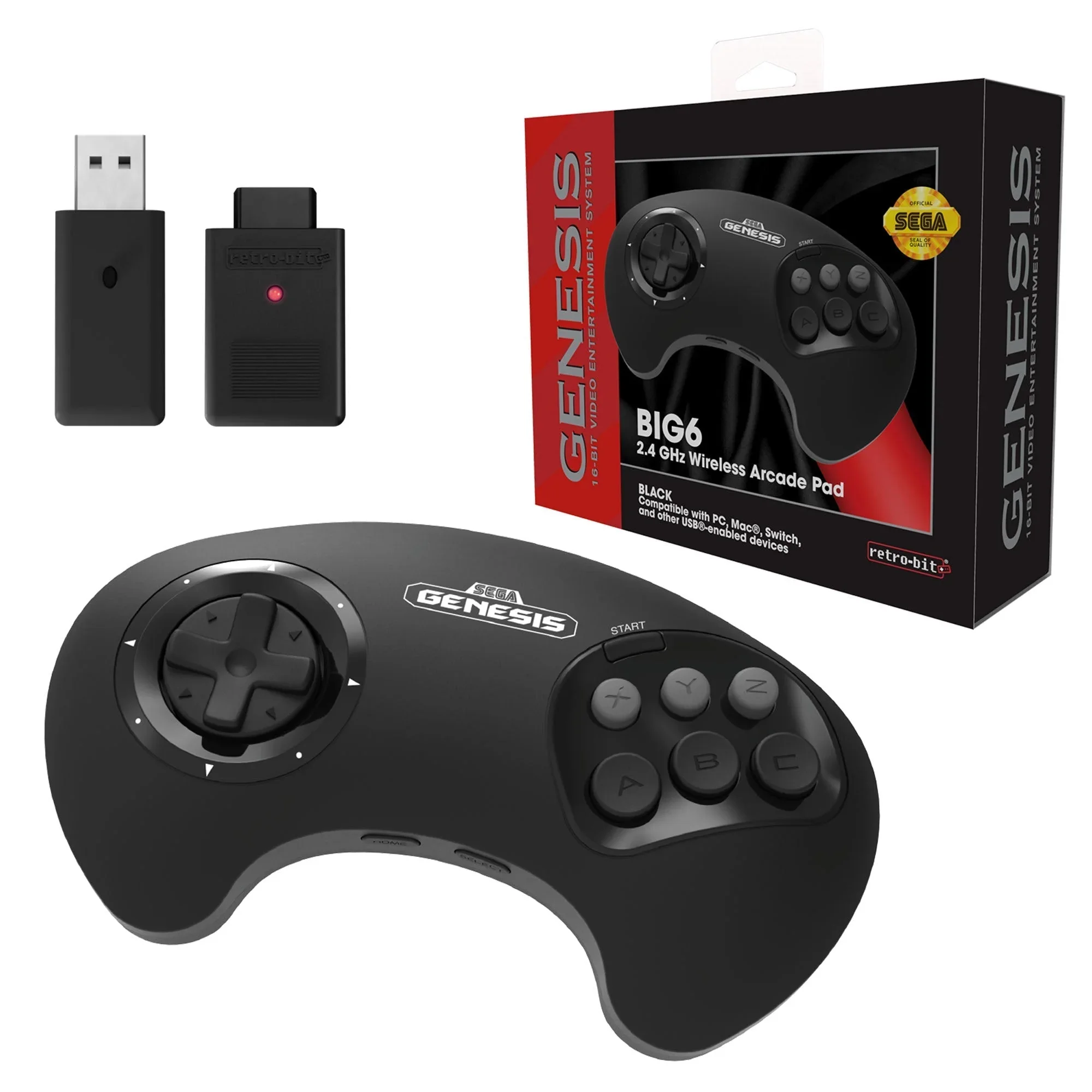
This is another great wireless controller choice. What I love about this one is it comes with the Genesis and USB dongle so you can easily switch between the two. Also, if you’re a fan of the original 3 button style Genesis controller, this keeps that same shape, but adds three more buttons. Best of both worlds!
Shop BIG6 2.4 GHz Wireless Arcade Pad at CastleMania (affiliate link)
8Bitdo Sn30
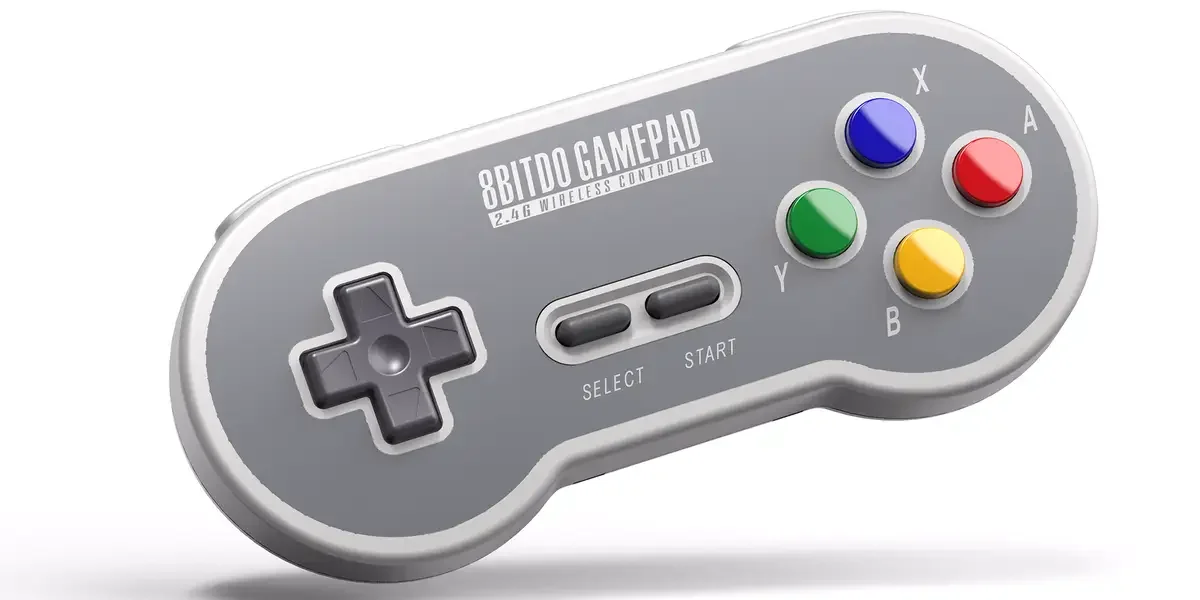
My second-favorite modern retro controller. The D-pad isn’t quite as strong as the M30, but it’s still very solid and feels right at home for SNES-style games. I personally use this one almost exclusively when playing on my original SNES. It’s the best wireless SNES controller I’ve ever used.
The link below is the transparent 2.4G edition for original SNES hardware. Check the listing for the included receiver and your console’s compatibility.
Shop 8BitDo SN30 2.4G Transparent for original SNES on Amazon (affiliate link)
8Bitdo N30
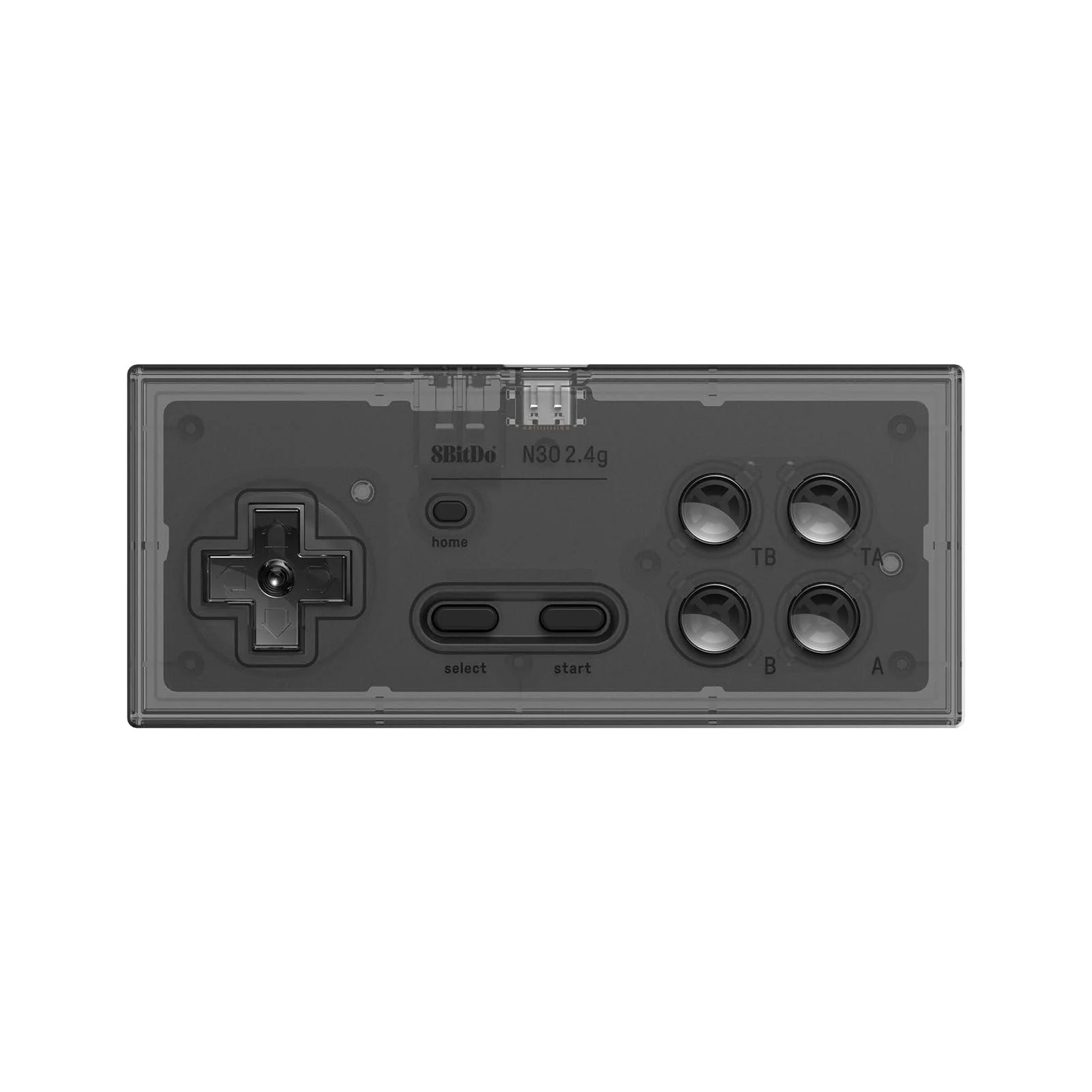
This is the controller I use on my original NES hardware. It keeps the classic rectangular feel but adds modern wireless convenience, which is great when you’re playing couch co-op without long cables running across the room. The D-pad feels responsive, but again, it’s just not as good as the M30. But it is my favorite wireless controller for original NES hardware.
The link below is the transparent 2.4G edition for original NES hardware. Check the listing for the included receiver and your console’s compatibility.
Shop 8BitDo N30 2.4G Transparent for original NES on Amazon (affiliate link)
The Switchers and Cables I use
GCOMP Automatic 8:2 Switcher
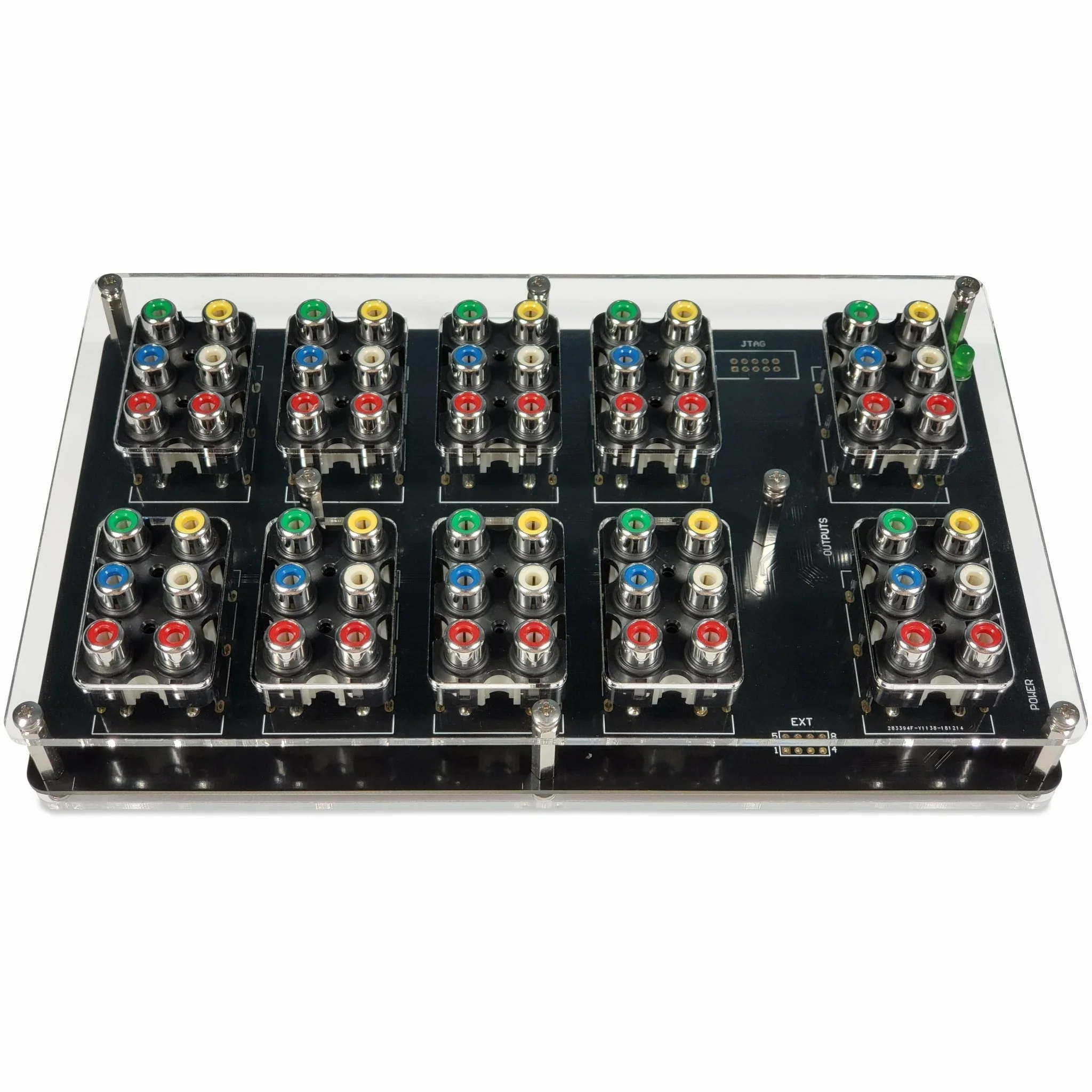
This is the best automatic component switcher on the market! I have two of these daisy chained in my setup. If you have a bunch of consoles like me, this will make your life so much easier! Just turn on a console and it’ll automatically switch to it for you. You can also output to two sources at the same time. One of the best purchases for my setup!
Shop GCOMP 8:2 component / composite switcher at CastleMania
Using SCART instead? View the GSCART switcher at CastleMania
Affiliate links. Choose the switcher that matches your cables and display.
HD Retrovision Cables
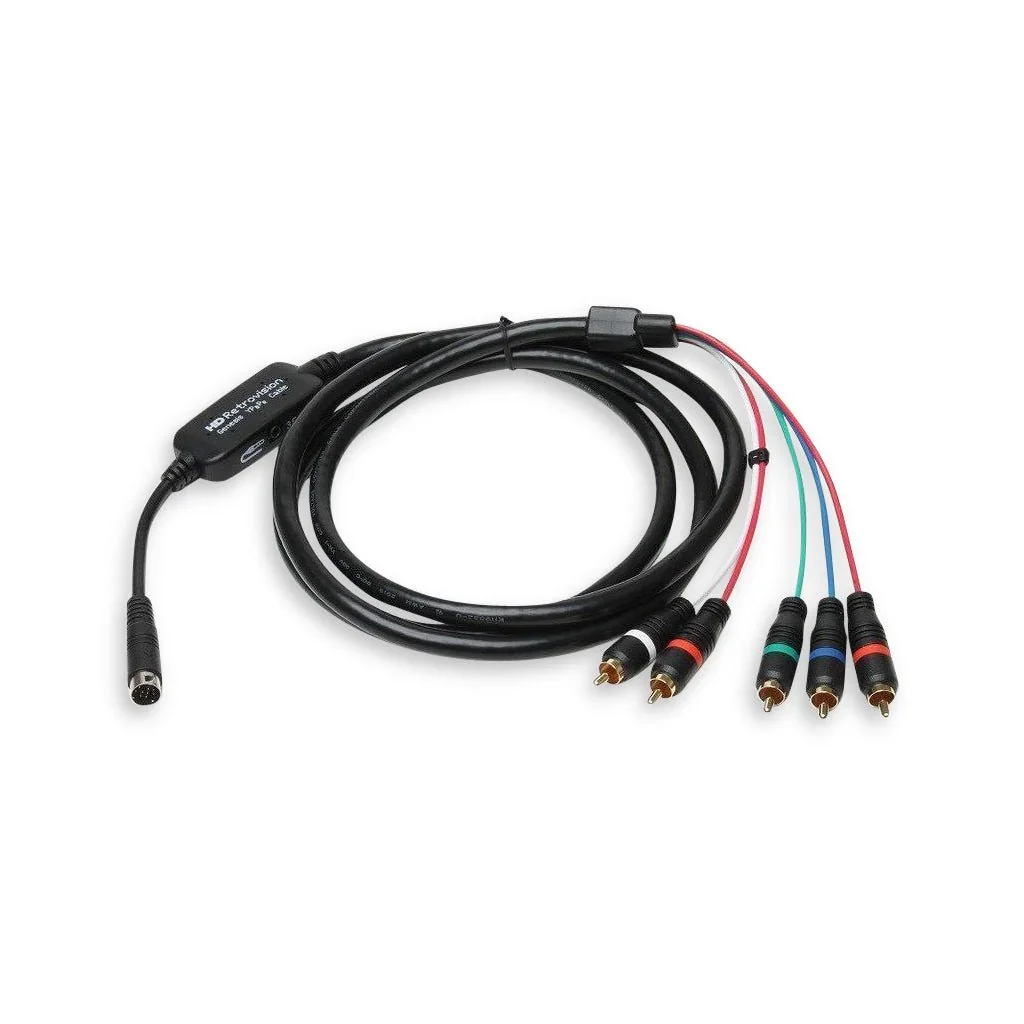
I use these component cables for just about every console in my retro setup. These combined with the Gcomp switch are a dream combo! If you’re used to composite cable (yellow, red, white), this will be a huge step up in quality!
Choose the cable for your console. Check the product page for model compatibility before ordering.
Affiliate links.
THE ROM CARTS and ODEs I USE
ROM CARTS
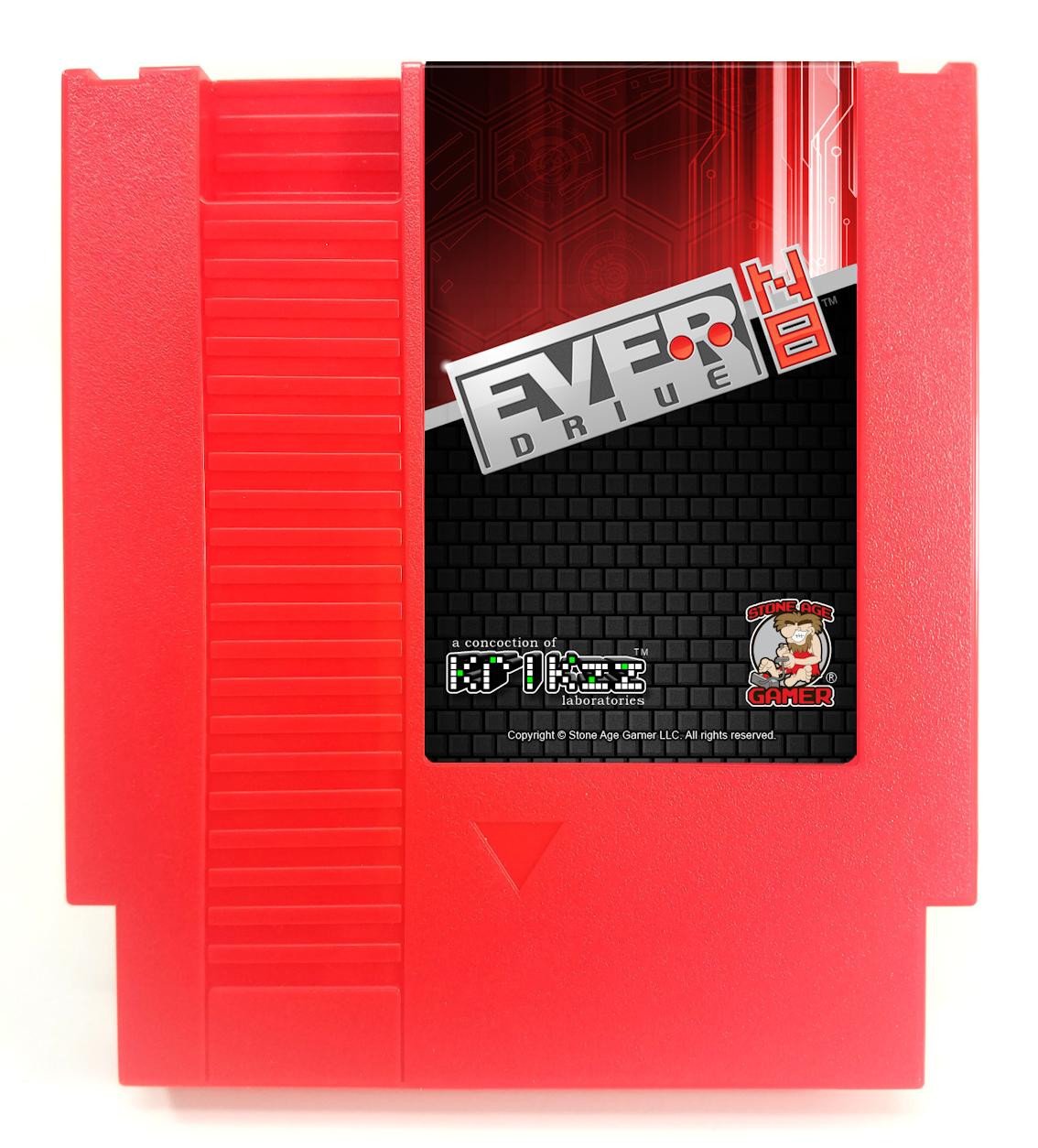
I have ROM carts for every old console I own. This has been an essential piece when it comes to capturing footage for co-op games. There’s no way I would be able to get as much done on real hardware if I was stuck to only using original cartridges.
Choose your console below. Check the product page for region, model compatibility, and what is included.
Affiliate links.
Optical Drive Emulators
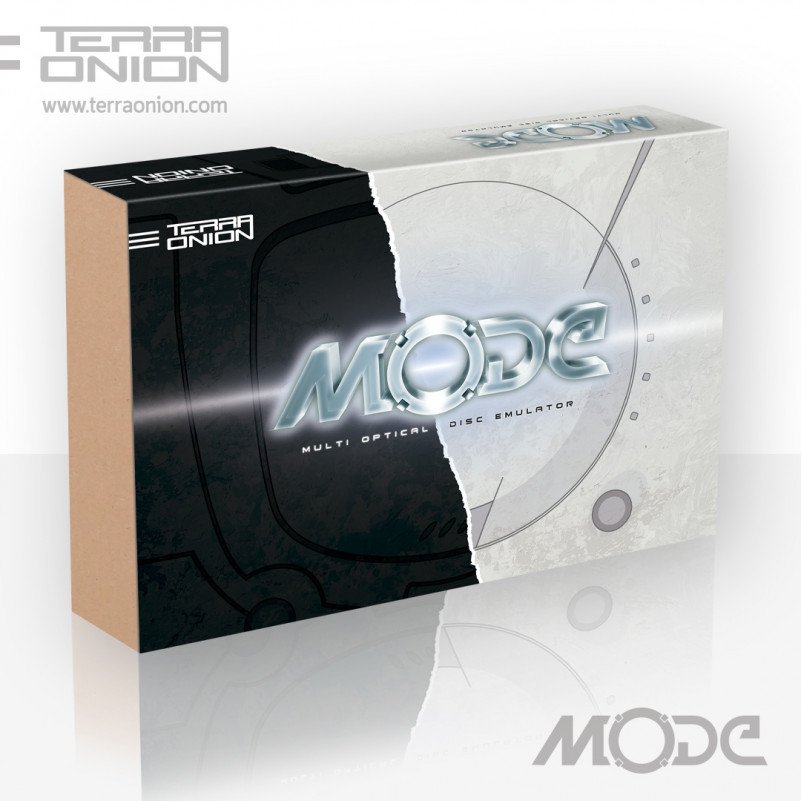
Optical drive emulators are basically like ROM carts, but for disc-based consoles. I use the MODE for my PS1, Saturn, and Dreamcast. I love the menu system and the ability to organize your games. You need a separate device installed in each console; check the product page for the parts and installation requirements for your system.
Shop Terraonion MODE for Dreamcast, Saturn, and PlayStation at Stone Age Gamer (affiliate link)
MY CAPTURE SETUP

I use the RetroTINK 4K, ClonerAlliance UHD Halo recorder, and OREI BK-402A HDMI matrix. Check your console, display, and capture requirements before choosing equipment.
- RetroTINK 4K at RetroTINK (manufacturer link)
- ClonerAlliance UHD Halo recorder on Amazon (paid link)
- OREI BK-402A HDMI matrix on Amazon (paid link)
MY CAMERAS AND MICROPHONES
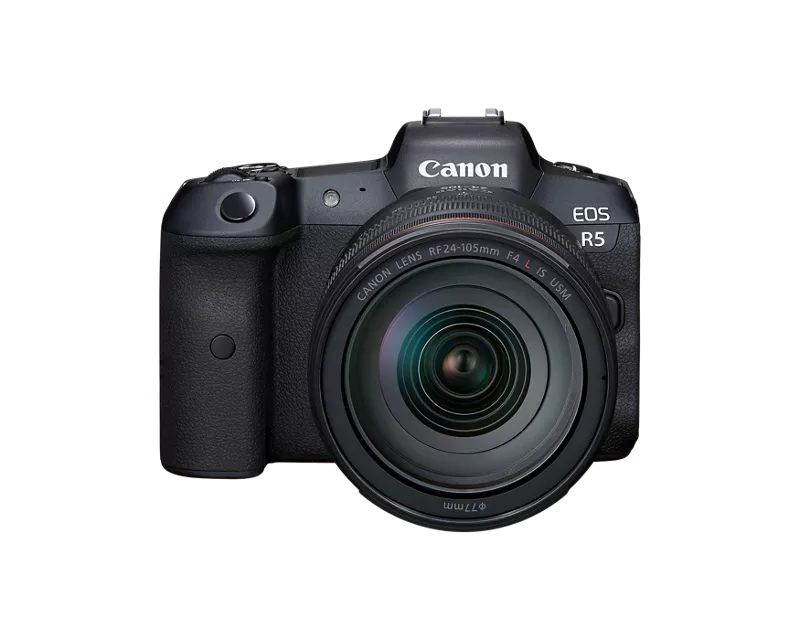
I use the Canon R5 and R6 Mark III, along with a Blue Yeti and RØDE Wireless PRO microphones. The camera links below are for bodies only.
- Canon EOS R5 body on Amazon (paid link)
- Canon EOS R6 Mark III body on Amazon (paid link)
- Blue Yeti USB microphone on Amazon (paid link; Blackout listing)
- RØDE Wireless PRO on Amazon (paid link; check buying options)
MY CANON RF LENSES
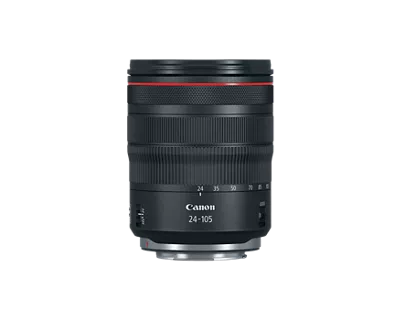
- Canon RF45mm F1.2 STM on Amazon (paid link)
- Canon RF14-35mm F4 L IS USM on Amazon (paid link)
- Canon RF24-105mm F4 L IS USM on Amazon (paid link)
MY LIGHTING AND CAMERA SUPPORT

- amaran ray 120c on Amazon (paid link)
- amaran F22X flexible bi-color light on Amazon (paid link)
- SmallRig x Potato Jet TRIBEX SE tripod on Amazon (paid link)
- SmallRig 175cm carbon-fiber video monopod on Amazon (paid link)
- NEEWER 2.2m stainless-steel light stand on Amazon (paid link)
- MagicLine 39.4-inch studio trolley case on Amazon (paid link)
MY EDITING AND STORAGE SETUP

- Mac mini M4 Pro, 12-core CPU / 16-core GPU, 24GB memory / 512GB SSD on Amazon (paid link)
- Samsung T7 1TB portable SSD, blue on Amazon (paid link)
- SanDisk 1TB Extreme PRO SDXC UHS-I V30, SDSDXXY-1T00-GN4IN on Amazon (paid link)
The SanDisk card linked above is the older UHS-I V30 model I use. Check your camera manual for the card speed and type required by your chosen recording mode.
My NAS is the QNAP TVS-872XT (manufacturer information). This is my larger storage setup; check current availability and drive compatibility.
Browse my Amazon storefront (paid link), or use the links below to find the right version for your setup.